The works council asks a simple question at its quarterly meeting with the HR director. Sales staff in the stores have started using an AI assistant to prepare customer appointments, and employees want to know what it means for their jobs. The HR director has not heard of the assistant. It was approved by the commercial team three months ago, and nobody asked HR to look at its AI workforce impact.
Situations like this are common, and they say more about how AI programmes are organised than about the HR director. The effect of a new tool on jobs is decided in business portfolios, by managers who think in terms of process, customers and cost. By the time the questions about roles, skills and workload reach HR, most of the choices have already been made.
AI changes jobs in places HR does not look
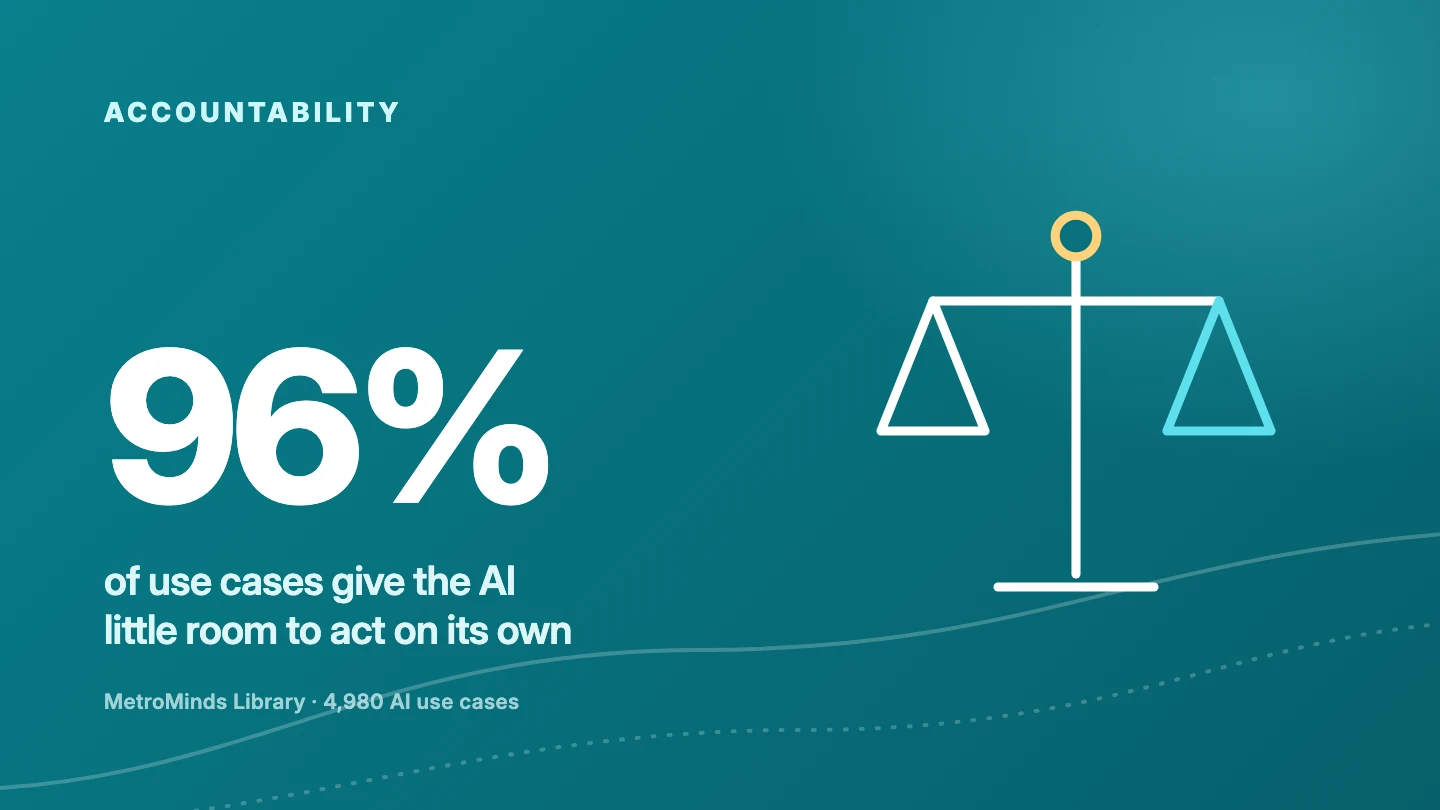
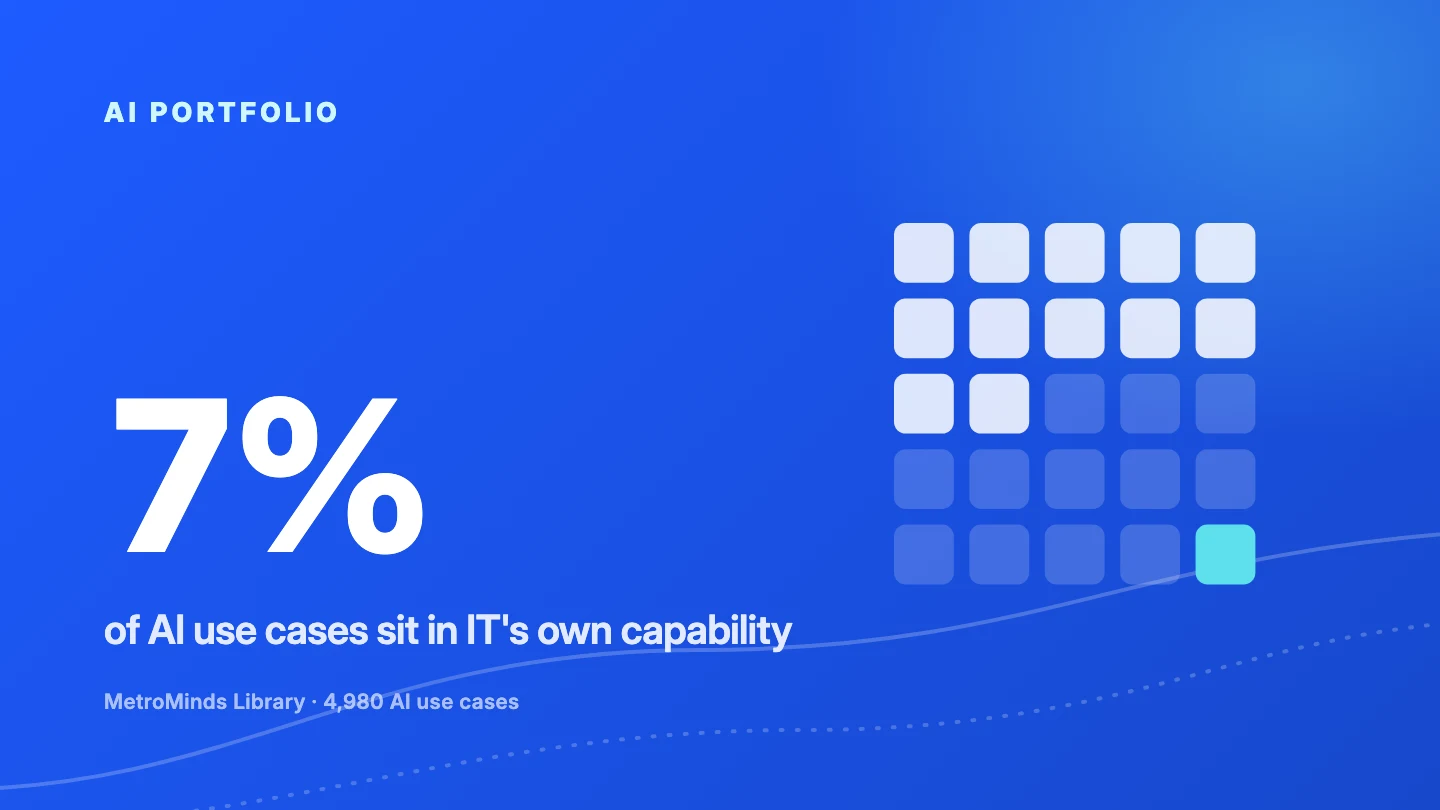
The MetroMinds Library holds 4,980 AI use cases, each linked to a . Only 200 of them, or 4 percent, sit in Human Capital and Culture, the part of the business where HR works itself: workforce planning, training, recruitment and employee relations. The other 96 percent are spread across operations, supply chain, risk and compliance, customer and market growth, finance and every other part of the organisation.
That matters because every one of those 4,980 use cases changes somebody's work. Each record in the Library contains a description of the workforce impact: which tasks get smaller, which new tasks appear and which role carries the responsibility. The changes happen in a warehouse, a claims department or a store, and they are owned by the manager of that unit. HR is involved only if someone thinks to involve it.

The heatmap shows how unevenly the change is spread. Operations and Delivery alone accounts for 1,971 use cases, and agentic AI is most common there. Customer and Market Growth leans heavily on content discovery and content creation, which is where marketing and sales roles will feel the change first. Human Capital and Culture is a thin band in the middle. If your view of AI's effect on the workforce comes mainly from HR's own projects, you are looking at that thin band.
What actually changes in a job
The Library descriptions follow a consistent pattern, and it is worth knowing it because it tells you what to look for. First, routine work declines: looking up information, copying context between systems, drafting first versions and checking documents against rules. Second, new work appears. In 4,620 of the 4,980 use cases, or 93 percent, the description explicitly says that review, judgement or oversight work grows for the people involved.
So the typical AI use case does not remove a job. It changes the mix inside a job, often for people who are not in any HR project plan. A planner spends less time collecting data and more time deciding which recommendation to follow. A sales associate spends less time searching customer history and more time checking whether a suggested offer fits the policy. Those shifts need training, new expectations and sometimes a different job description, which are all HR topics.
An example from the shop floor
The use case below comes from specialty retail and is a good illustration of an AI change that never touches an HR system, yet changes daily work for a large group of employees.
Nothing in this use case requires an HR process to go live. Yet it changes what a good sales associate does, what a store manager should coach on and how many hours the team needs. Those are exactly the questions the works council asked.
Saved hours need an owner
The most underestimated workforce question in AI is what happens with the time people save. Gartner found that only 7 percent of organisations give employees guidelines on using time saved by AI [1]. In the same survey, 88 percent of HR leaders said their organisations had not yet realised significant business value from AI tools [1]. Those two findings are connected. Time that nobody plans for tends to disappear into small tasks, longer breaks between peaks or extra checking, and then the business case quietly fails.
The Library makes this explicit as well. The workforce text of every use case states that freed hours only turn into value when management redirects them, for example to backlog, extra volume or avoided hiring. That redirection is a workforce decision. It touches contracts, scheduling, performance targets and sometimes the size of the team, so HR should be part of it before the tool goes live.
Why arriving late costs more than it seems
When HR joins after the go-live decision, its role shrinks to handling consequences: answering the works council, writing training at short notice and dealing with uncertainty in the team. That is expensive work, and it rarely changes the design of the tool or the way it is introduced.
There is good evidence that early involvement pays off. The OECD surveyed employers and workers in finance and manufacturing about AI at work and concluded that "both training and worker consultation are associated with better outcomes for workers" [2]. Training and consultation both take time to prepare, which is only possible if HR knows about the initiative while it is still a candidate in the portfolio.
What to ask before the next AI tool goes live
You do not need to own the AI portfolio to have a strong voice in it. These questions help you get the workforce side on the table at the right moment.
- Which use cases in the portfolio change daily work for more than one team, and who are those teams?
- For each use case that moves to accepted, which tasks decline and which new review tasks appear?
- Who decides what happens with saved hours, and is that decision written into the business case?
- Which roles need new skills before go-live, and how long will that training take?
- When will employees and the works council hear about the change, and from whom?
If you want to go deeper into the skills side, our article on the skills people need when AI takes over routine work looks at what the Library says about required skills. For the financial side of saved hours, read when saved time actually turns into money.
How MetroMinds brings HR into the portfolio
In MetroMinds, every use case carries its workforce impact from the start. When a use case enters the portfolio as a candidate, you can already see which roles change, which tasks decline and which new responsibilities appear. The portfolio view groups that impact per , so you can see where the change concentrates long before anything goes live.
Because use cases are also linked to business capabilities from L1 to L3, the capability impact view shows which parts of the organisation are affected and how strongly. That gives HR a reason and a moment to join the conversation: before a use case moves from accepted to , not after the works council asks.
How ready is your organisation to manage the people side of AI? Take the AI Readiness Snapshot
Sources
- Gartner, "Gartner Survey Shows 88% of HR Leaders Say Their Organizations Have Not Realized Significant Business Value From AI Tools", press release, 28 October 2025.
- OECD, "The impact of AI on the workplace: Main findings from the OECD AI surveys of employers and workers", OECD Social, Employment and Migration Working Papers, 27 March 2023.
- MetroMinds Library, 4,980 AI use cases with benchmark ranges based on real-world implementations, August 2026.